
Technology for Seniors: Helping Older Adults Stay Connected with Family
For many families, the phone rings less often than anyone would like. Grandchildren grow up in different cities. Adult children juggle work and parenting. Friends move away or pass on. And for older adults living at home, the days can start to feel quieter than they used to.
Technology has the potential to change that. A video call can let a grandmother watch her grandson open a birthday gift from a thousand miles away. A shared photo album can bring a whole family into the same moment. A simple text message can say “thinking of you” in seconds.
But for many seniors, technology also feels intimidating. Screens are small, menus are confusing, passwords are forgotten, and the fear of “breaking something” or falling for a scam is very real. Many older adults aren’t against technology. They’ve just never had someone patient enough to show them how, at their own pace.
The good news is that learning to use technology is absolutely possible at any age, and the rewards are real: stronger connection, more independence, and often, a renewed sense of curiosity. At Blessed Hands Home Care, we see firsthand how a little tech confidence can open doors for the people we support. In this article, we’ll look at why connection matters, which tools work best for seniors, and how families and caregivers can help.
Why Staying Connected Matters
Staying connected isn’t just pleasant. It’s good for health. Regular social contact is linked to better mood, sharper thinking, and even better physical health, while isolation is associated with depression, cognitive decline, and other health risks. We explored this in detail in How Social Connection Improves Health and Well-Being for Seniors, and technology can be a powerful way to keep those connections strong, especially when distance, weather, or mobility limits in-person visits.
Technology can also help seniors:
- Keep up with grandchildren’s daily lives
- Join religious services, classes, or clubs online
- Reconnect with old friends
- Stay mentally engaged through games, news, and learning
- Manage appointments, prescriptions, and bills more easily
- Feel more independent and in control
Common Barriers Seniors Face
Fear of Making Mistakes
Many older adults worry that one wrong tap will break the device or delete everything. Reassurance that most mistakes can be undone goes a long way.
Small Text and Tiny Buttons
Vision changes make small screens frustrating, and arthritis or tremors can make touchscreens hard to control.
Confusing Interfaces
Constant updates, unfamiliar icons, and too many options can overwhelm even confident users.
Hearing Difficulties
Poor audio on calls can make conversations tiring or embarrassing.
Worry About Scams and Privacy
News stories about fraud make many seniors cautious, and for good reason. Online scams often target older adults.
Feeling “Too Old” or “Behind”
Some seniors feel embarrassed about not knowing what younger people consider basic. Patience and respect are essential.
Lack of Patient Support
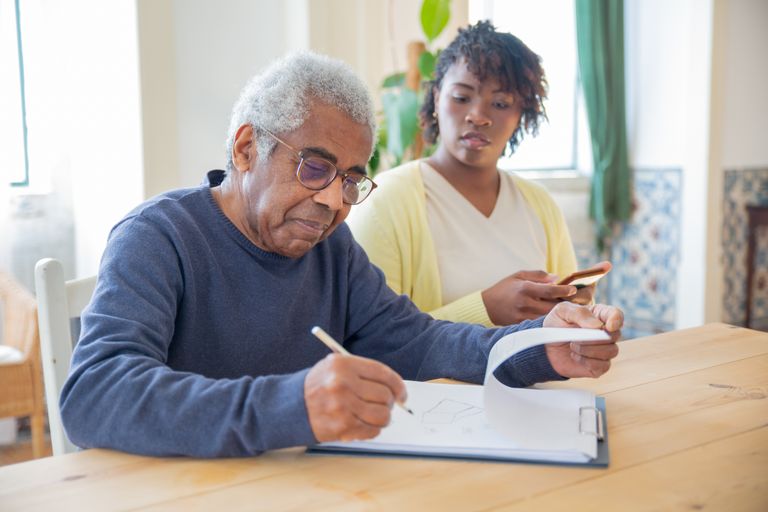
Technology classes and manuals often move too fast. Learning works best with hands-on, one-on-one help.
Technology That Works Well for Seniors
Video Calling
Face-to-face calls are often the most meaningful way to connect. Options include FaceTime, Zoom, Google Meet, and WhatsApp. Many families set up a recurring weekly call so there’s always something to look forward to.
Tablets
Tablets have larger screens than phones and are easier to see and tap. Many seniors prefer them for video calls, photos, and reading.
Senior-Friendly Devices
Some devices are designed to be simpler, with large icons, fewer menus, and one-touch calling.
Smart Speakers
Voice-activated speakers can make calls, play music, answer questions, and set reminders using simple spoken commands, which is helpful for anyone with limited vision or dexterity.
Digital Photo Frames
Family members can send photos straight to the frame from anywhere, so seniors enjoy a rotating slideshow without touching a thing.
Messaging and Photo Sharing Apps
Group chats and shared albums let the whole family stay in touch and share everyday moments.
Medical Alert and Safety Devices
Wearable alert buttons and fall-detection devices add safety and peace of mind, especially for seniors who live alone.
How to Help a Senior Learn New Technology
Start with One Goal
Rather than introducing everything at once, begin with a single, meaningful use, such as video calling a grandchild. A clear reason makes learning more motivated.
Go Slowly and Repeat
Teach one step at a time and practice it several times. Repetition builds confidence.
Write Down Simple Instructions
Large-print, step-by-step notes, with screenshots if possible, can be kept next to the device.
Adjust the Settings
Increase text size, raise the volume, brighten the screen, and simplify the home screen to make the device more comfortable.
Encourage Questions
Make it clear that there are no silly questions, and avoid taking the device out of their hands to “just do it.”
Practice Together
Schedule short, regular sessions rather than one long lesson, and keep the mood light and encouraging.
Staying Safe Online
Confidence grows when safety is part of the conversation. Share a few simple rules:
- Never share passwords, PINs, or bank details by email, text, or phone
- Be cautious of unexpected calls, emails, or messages asking for money or personal information
- Treat urgent or threatening messages with suspicion
- Don’t click on unknown links or attachments
- Use strong, unique passwords, and consider a password manager or a written list stored somewhere safe
- When in doubt, call a trusted family member before taking any action
Reassure your loved one that it’s always okay to ask, and that being careful isn’t the same as being afraid.
Practical Tips for Families
- Set up the device before gifting it, with contacts, apps, and shortcuts ready to go
- Schedule regular video calls so connection becomes a habit
- Use shared photo albums so seniors can enjoy daily moments without having to ask
- Be patient with repeated questions
- Celebrate small victories, like a first successful video call
- Check in regularly on whether tech is helping or frustrating
How Blessed Hands Home Care Helps
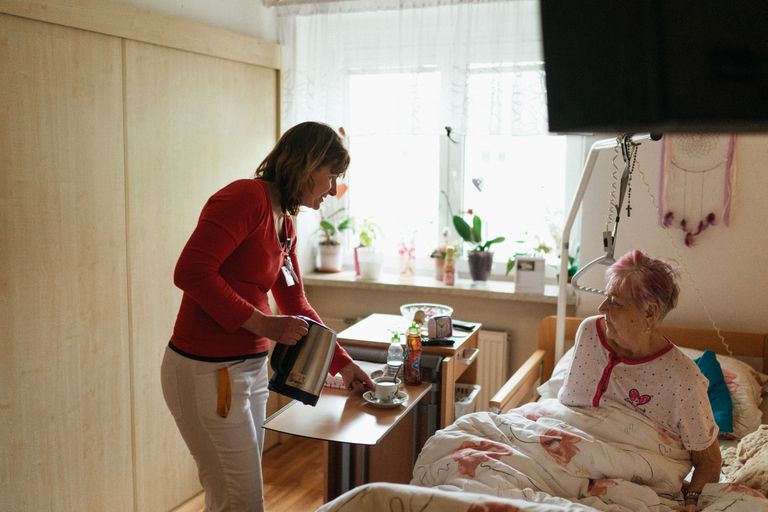
At Blessed Hands Home Care, we believe staying connected is part of staying well. Our caregivers can help clients set up and practice video calls, look through photos together, send messages to loved ones, or simply be nearby and encouraging while a client tries something new. Because they’re present on a regular basis, caregivers can offer exactly what many seniors need most: patient, repeated, low-pressure support.
We also encourage clients to use technology in ways that fit their interests, whether that’s joining an online church service, listening to favorite music, or watching a grandchild’s recital. Caregivers can also help families keep calls on the calendar, making connection a consistent part of the week.
This kind of involvement supports what we discussed in How Families Can Stay Involved When a Loved One Receives Home Care, where regular contact and open communication kept families meaningfully connected, even from a distance.
Frequently Asked Questions
What’s the easiest device for a senior to start with?
A tablet is often the best starting point because of its larger screen and simple touch controls. Some seniors prefer a smart speaker or digital photo frame because they require almost no learning.
How can I help my parent avoid online scams?
Talk openly about common scams, set a simple rule to always check with a family member before sending money or sharing personal information, and use spam filters and call blockers where possible.
What if my parent is afraid of breaking the device?
Reassure them that devices are sturdy and most mistakes can be fixed. Practicing together in a relaxed way helps build confidence.
Can technology really reduce loneliness?
Yes, when used for meaningful interaction, such as video calls and shared photos. It works best alongside in-person connection, not as a replacement.
How often should we schedule video calls?
A regular rhythm, like once or twice a week at the same time, works well because it gives seniors something to look forward to.
Can a caregiver help my loved one with technology?
Yes. Caregivers can offer patient, hands-on help with calls, messages, photos, and basic troubleshooting, always at the client’s pace.
Key Takeaways
- Technology can help seniors stay connected, engaged, and independent, especially when distance or mobility limits visits.
- Common barriers include fear of mistakes, small screens, confusing interfaces, and worries about scams.
- Tablets, video calling, smart speakers, and photo frames are often the most senior-friendly tools.
- Patient, one-on-one support and simple safety rules build confidence.
- Blessed Hands Home Care helps clients practice technology at their own pace and stay close to family.
Conclusion
Technology isn’t about replacing human connection. It’s about making it easier. With the right tools, a little patience, and encouragement, many older adults find that technology opens up new ways to see, hear, and share life with the people they love.
It’s never too late to learn, and every small step, from a first video call to a shared photo, brings family a little closer.
Contact Blessed Hands Home Care Today
If your loved one could use patient, friendly support staying connected, Blessed Hands Home Care can help. Contact us today to talk about how our caregivers can support connection, confidence, and companionship at home.